Text To Morse Code
Convert text to Morse code and decode Morse code into text across multiple languages using manual input or voice input. Translate between Morse code and English, Spanish, French, German, Italian, Portuguese, Russian, Japanese, Korean, Arabic, and Hindi alphabets. You can play, flash, or vibrate the Morse code for better learning and accessibility. Simply enter your text or Morse code in the input box to instantly see the translation in the output box. This easy-to-use, fast, and accurate online tool lets you convert text to Morse, extract Morse from images, play sound, flash light, and download audio instantly.
About Our Text To Morse Code Translator
TextToMorseCode is an easy-to-use online Morse code translator that allows users to quickly convert text into Morse code and decode Morse code back into readable text across multiple languages and alphabets.
This tool offers advanced features such as audio playback, light flashing, vibration signals, downloadable Morse audio, and even image-to-Morse conversion, making it useful for both beginners learning Morse code and professionals who need fast communication tools.
With customizable settings like speed, pitch, and volume, along with a simple input-output interface, it provides a fast, accurate, and interactive way to practice, learn, and generate Morse code directly in the browser without any installation.
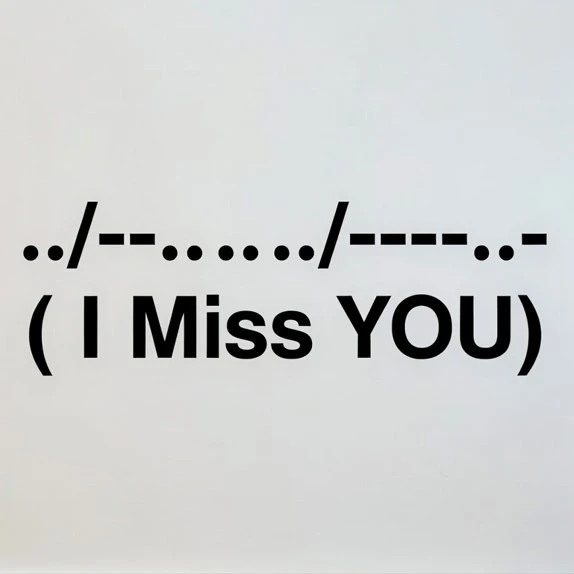
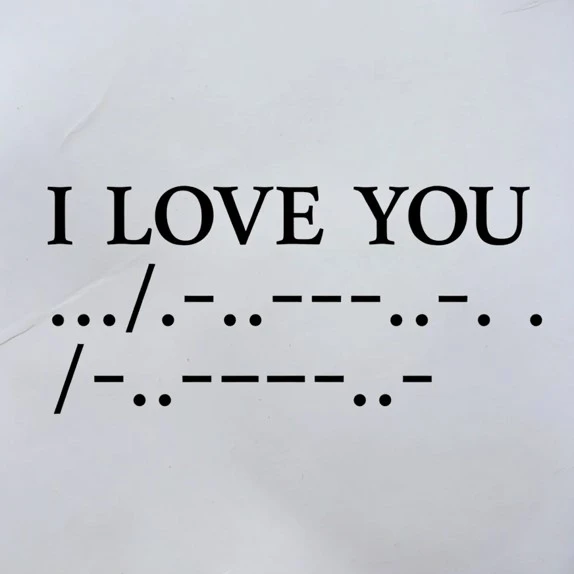
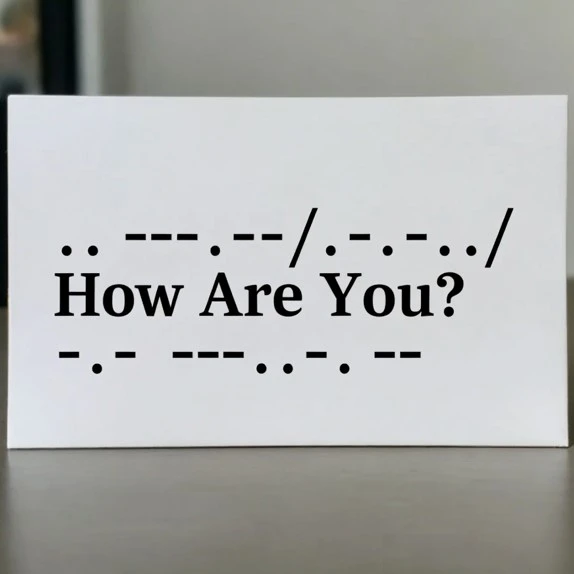
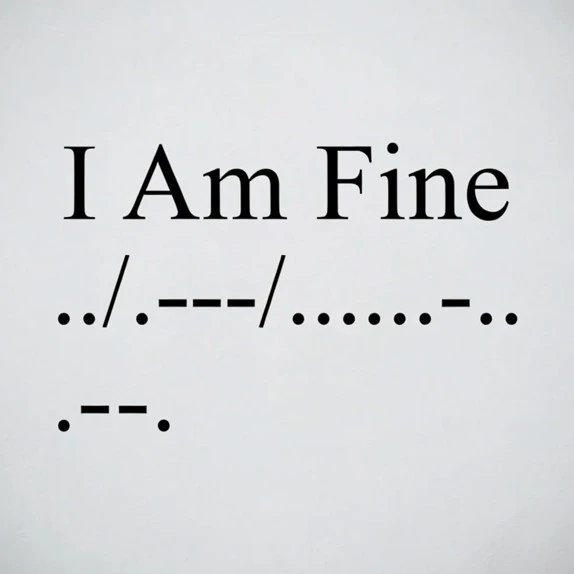
Examples of English To Morse Code
How to Use the Morse Code Translator
The Morse Code Translator turns any text into Morse code and vice versa. Simply input text or Morse code to get the translation automatically. You can copy the code or play it to hear what your text sounds like in Morse code.
To translate text to Morse code:- Simply paste the text in the input box, like "How Are You".
- View the Morse code translation below in the output box.
- Play the Morse code, view the lights, or feel the vibration of the Morse code.
- Download the Morse code.
- Simply paste the Morse code in the input box, like ".... --- .-- / .- .-. . / -.-- --- ..-".
- Select the language and view the text translation below in the output box.
- Copy the text and use it for your own purpose.
Why Learn Morse Code?
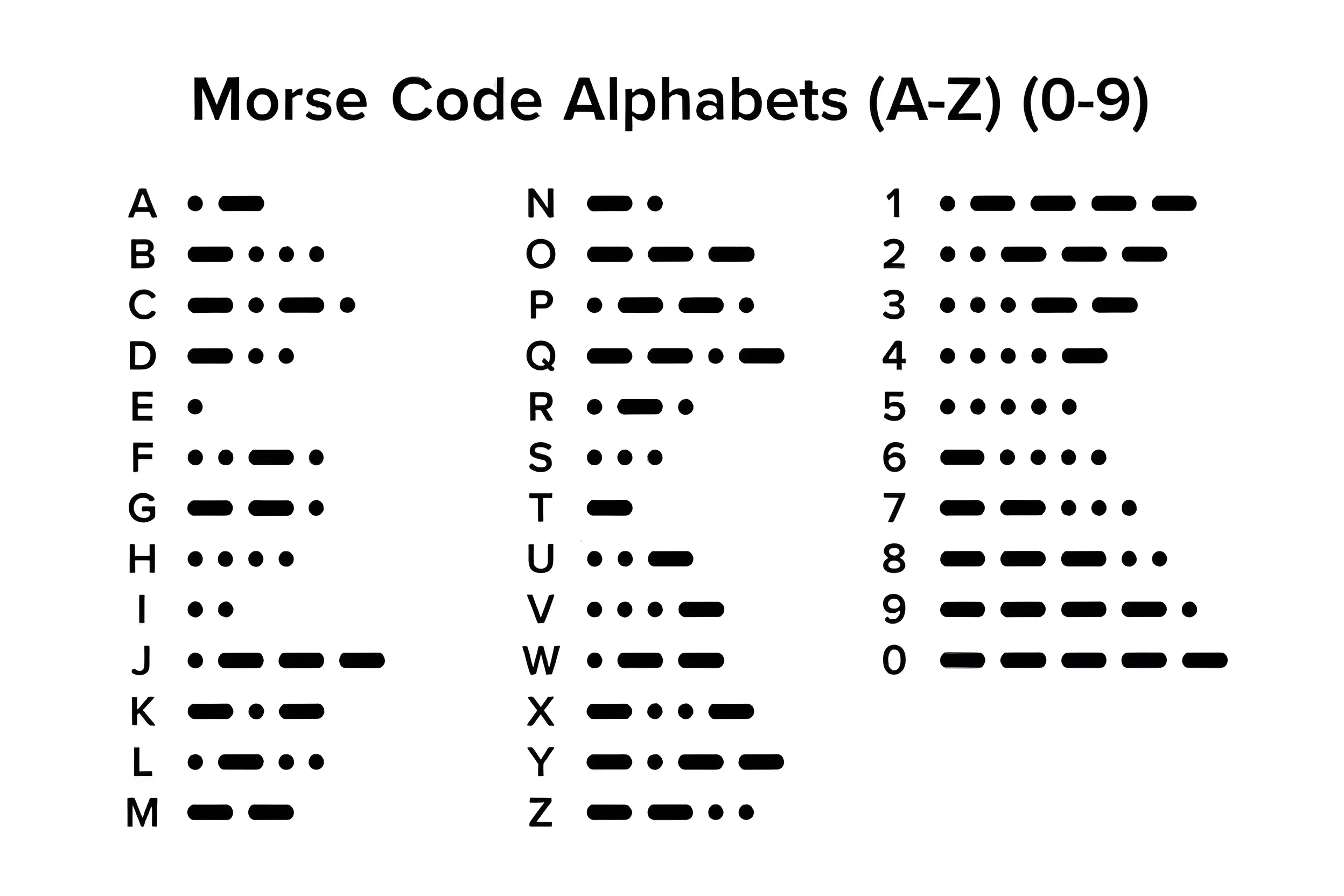
Morse code is more than a historical communication system. It is a proven, reliable method of transmitting information that has saved lives and connected the world for over 180 years. Developed in the 1830s by Samuel Morse and Alfred Vail, it became the foundation of long-distance telegraph communication and was later standardized internationally at the International Radiotelegraph Convention, where the global distress signal SOS (··· ––– ···) was officially adopted.
Morse code played a critical role in maritime safety under the International Maritime Organization and was widely used in both World Wars for secure military communication. Even today, it remains active within the Amateur Radio Service because Morse signals can travel long distances using minimal power and weak signals when voice communication fails.
Learning Morse code strengthens memory, concentration, and pattern recognition skills while providing a dependable emergency communication method that works through sound, light, or radio—making it both a practical survival skill and a fascinating piece of technological history.
Our Contacts
-
Mail: support@texttomorsecode.com
Call Us: +971 54 735 6168 - support@texttomorsecode.com
Why TexttoMorseCode?
Advanced Morse Code Translator allows you to convert images to morse code, generate audio, and learn Morse Code Alphabets.
Multiple Language Morse Code Translator.